

Related Fairoaks resources: Managed IT services | Construction company IT support | Client stories and testimonials
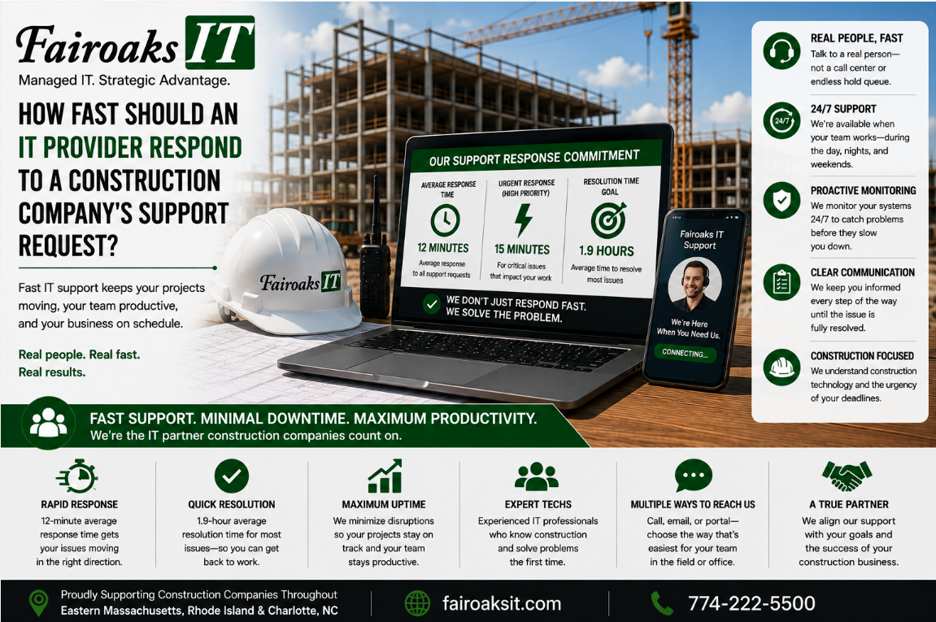
A construction company should expect its IT provider to measure and report both response time and resolution time—because they're not the same thing. At Fairoaks IT, our average ticket response time is 12 minutes, while our average problem resolution time is 1.9 hours.
For a general contractor, those numbers matter. An IT problem can prevent a superintendent from accessing current drawings, stop a project manager from reaching a construction application, interfere with daily reports and jobsite photos, or disconnect a temporary trailer from the office.
When evaluating IT support, don't accept “we respond quickly” as the answer.
Use this five-part framework:
Respond → Prioritize → Diagnose → Resolve → Measure
- Start by Asking for the Actual Response Time
Nearly every managed IT provider says some version of the same thing:
“We provide fast support.”
But what does fast mean?
Five minutes?
Thirty minutes?
Four hours?
The next business day?
If an MSP can't attach a number to its response performance, it's difficult for a prospective client to evaluate what “fast” actually means.
That's why construction companies should ask:
“What is your actual average ticket response time?”
At Fairoaks IT, that number is 12 minutes on average.
Response time tells you how quickly the support process gets moving after an employee reports a problem.
That's important because when an employee can't work, waiting is expensive.
But response time is only the first number you should ask for.
- Don't Confuse Response Time With Resolution Time
Imagine an employee submits a support request.
Five minutes later, the IT company sends:
“We received your ticket and will get back to you.”
Technically, the provider responded quickly.
But the employee's problem hasn't been solved.
That's why contractors should measure two separate things:
Response Time
How long does it take the IT provider to begin responding to the support request?
Resolution Time
How long does it take to actually resolve the problem?
At Fairoaks, our average problem resolution time is 1.9 hours.
The distinction matters.
A provider can have a very impressive response-time statistic while employees still spend hours—or days—waiting for problems to be fixed.
When comparing MSPs, ask for both numbers:
Response + Resolution
Not just one.
- Prioritize IT Problems Based on Business Impact
Not every support request has the same urgency.
A minor inconvenience for one employee shouldn't necessarily receive the same priority as a technology failure affecting an entire jobsite.
For construction companies, the IT provider needs to understand business impact.
Consider several examples.
One Employee Has a Minor Problem
An office employee has a noncritical application issue but can continue working.
That's a legitimate support request, but the business isn't stopped.
A Superintendent Can't Access Current Project Information
Now the impact is different.
The person responsible for activities in the field may be unable to retrieve information needed to do the job.
A Jobsite Trailer Loses Connectivity
The problem could affect multiple people simultaneously.
Employees may have difficulty accessing cloud applications, uploading reports and photos, communicating with the office, or retrieving project information.
The IT provider should have a process for distinguishing between these situations.
A useful model is:
How many people are affected? + What business process is affected? + Can they continue working?
The answers help determine urgency.
- Your MSP Should Understand Construction-Specific Support Problems
Fast IT support isn't just about answering the telephone quickly.
The technician also needs to understand the environment being supported.
Construction companies may depend on technologies and applications such as:
- Procore
- Bluebeam
- Autodesk products
- Sage/Timberline
- On-Screen Takeoff
- ConEst/IntelliBid
- Bid2Win
- Trimble
- Microsoft 365
- SharePoint
- Teams
- Remote-access technologies
- Jobsite networking and internet connectivity
The environment can extend far beyond the company's headquarters.
A support issue may involve a remote superintendent, a temporary jobsite trailer, a large drawing, an internet connection, or communication between the field and office.
That changes troubleshooting.
If a field employee can't access a drawing, for example, the underlying issue might be:
- The employee's computer
- User permissions
- The application
- Wi-Fi
- The jobsite firewall
- The internet provider
- A cloud service
- An office system
- The file itself
The employee shouldn't have to diagnose which one is responsible before asking for help.
A construction-focused MSP should understand the entire workflow.
- Measure How Quickly Problems Are Actually Solved
Good IT support should produce measurable data.
At minimum, construction companies should ask potential providers about:
- Average response time
- Average resolution time
- How support requests are prioritized
- How performance is measured
- How recurring problems are identified
The fifth question is especially important.
The best support ticket is often the one that doesn't need to happen again.
If employees repeatedly experience the same technology failure, solving each individual ticket quickly isn't enough.
The MSP should look for the underlying cause.
That leads to a better support cycle:
Respond → Prioritize → Diagnose → Resolve → Measure
And then, when appropriate:
Standardize and improve.
What Does Slow IT Support Actually Cost a Construction Company?
IT response time isn't just a technical metric.
It's a productivity metric.
Consider a simple example.
Suppose an employee costs the company $50 per hour when wages, benefits, taxes, and other employment costs are considered.
If a technology problem prevents that employee from working for two hours, that's approximately $100 of employee cost tied up in downtime—before considering any impact on other employees, project schedules, customers, subcontractors, or field operations.
If five employees are affected for two hours:
5 employees × 2 hours × $50/hour = $500
And that's one incident.
The exact cost will vary by company and employee, but the principle is straightforward:
IT downtime consumes paid employee time.
For construction companies, the downstream impact can be more important than the hourly labor calculation.
A technology issue can interfere with information flowing between the office and field, access to project documentation, or communication among project participants.
That's why an MSP's support performance should be evaluated as a business issue—not simply an IT department statistic.
Real-World Example: Fixing the Cause Instead of Just the Tickets
Fairoaks recently took responsibility for IT support for a 40-person construction company operating multiple projects throughout Eastern Massachusetts, Rhode Island and Charlotte, North Carolina.
The contractor was experiencing frequent communication problems with its jobsite trailers.
Employees couldn't consistently upload daily reports and jobsite photos, and keeping field personnel supplied with the latest drawings was challenging.
Fairoaks could have treated each failure as an isolated support ticket.
Instead, we looked at the underlying environment.
We found that the company's jobsite trailers lacked a consistent technology standard.
Different locations had different equipment and configurations.
Documentation was lacking.
Some trailers weren't using the most appropriate internet service available at their locations.
That inconsistency made problems both frequent and difficult to troubleshoot.
Fairoaks worked with the contractor to develop and document a standardized jobsite technology configuration tailored to the company's needs.
The standard was then deployed consistently.
The contractor experienced a 75% reduction in jobsite communication issues.
That's the larger objective of managed IT support.
Don't just respond to problems quickly. Reduce the number of problems that need a response.
10 Questions to Ask an IT Provider About Support
Before choosing an MSP, ask these questions:
- What is your actual average ticket response time?
- What is your actual average problem resolution time?
- What's the difference between your response-time commitment and your resolution performance?
- How do you prioritize urgent problems?
- What happens when an entire jobsite is affected?
- How do remote employees request support?
- Can you troubleshoot jobsite internet and networking problems?
- What construction applications do you have experience supporting?
- How do you identify recurring technology problems?
- Can you provide actual service-performance statistics rather than estimates?
These questions make it much easier to distinguish a measurable support operation from a generic promise of “excellent customer service.”
What Is a Good IT Response Time for a Construction Company?
There isn't one universal response-time number that's appropriate for every MSP contract or every type of support request.
The more important point is that the provider should define, measure, and explain its performance.
A contractor evaluating IT providers should know:
How quickly will you respond?
How quickly do you typically resolve problems?
How will you prioritize something that's stopping our people from working?
Do you understand technology at our jobsites as well as at our office?
What will you do when the same problem keeps happening?
At Fairoaks IT, we can answer the first two questions with actual numbers:
12-minute average ticket response.
1.9-hour average problem resolution.
And our experience supporting construction companies includes remote employees, temporary jobsite connectivity, large project files, and construction-specific applications.
Fast Response Is Good. Fewer Problems Are Better.
Construction companies shouldn't have to choose between an IT provider that answers quickly and one that improves the technology environment.
A good MSP should do both.
Use this framework when evaluating support:
Respond → Prioritize → Diagnose → Resolve → Measure
Then look one step further.
Is the provider identifying recurring issues and improving the environment so those problems happen less often?
For one 40-person construction client, that approach helped produce a 75% reduction in jobsite communication issues after Fairoaks standardized the technology supporting its jobsites.
That's ultimately a better measure of IT support.
Not just:
“How fast did you answer our ticket?”
But:
“Are our people spending less time dealing with IT problems?”